Getting Started
Installation
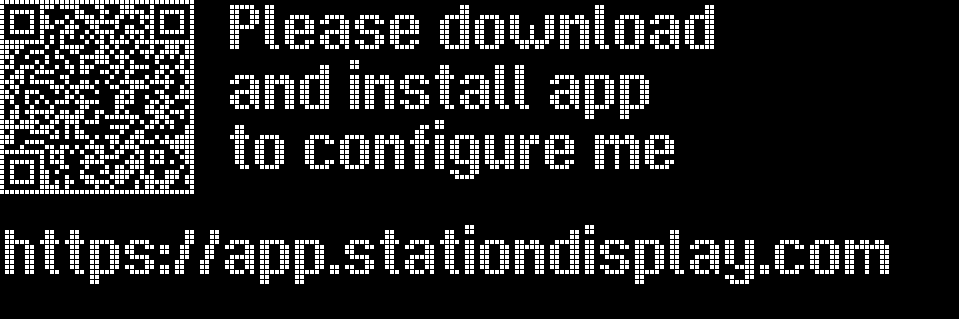
Station Display QR Code first boot
Download the app from the Google Play Store or Apple App Store.
First Connection
- Power on your Station Display. Bluetooth is active for 5 minutes after power-up.
- Open the app. You’ll see the welcome screen.
- Tap Connect. The system Bluetooth permission dialog appears — grant it.
- Select your Station Display from the device list (named
Station-Displayor similar). - Once connected, the status badge turns green and shows Connected.
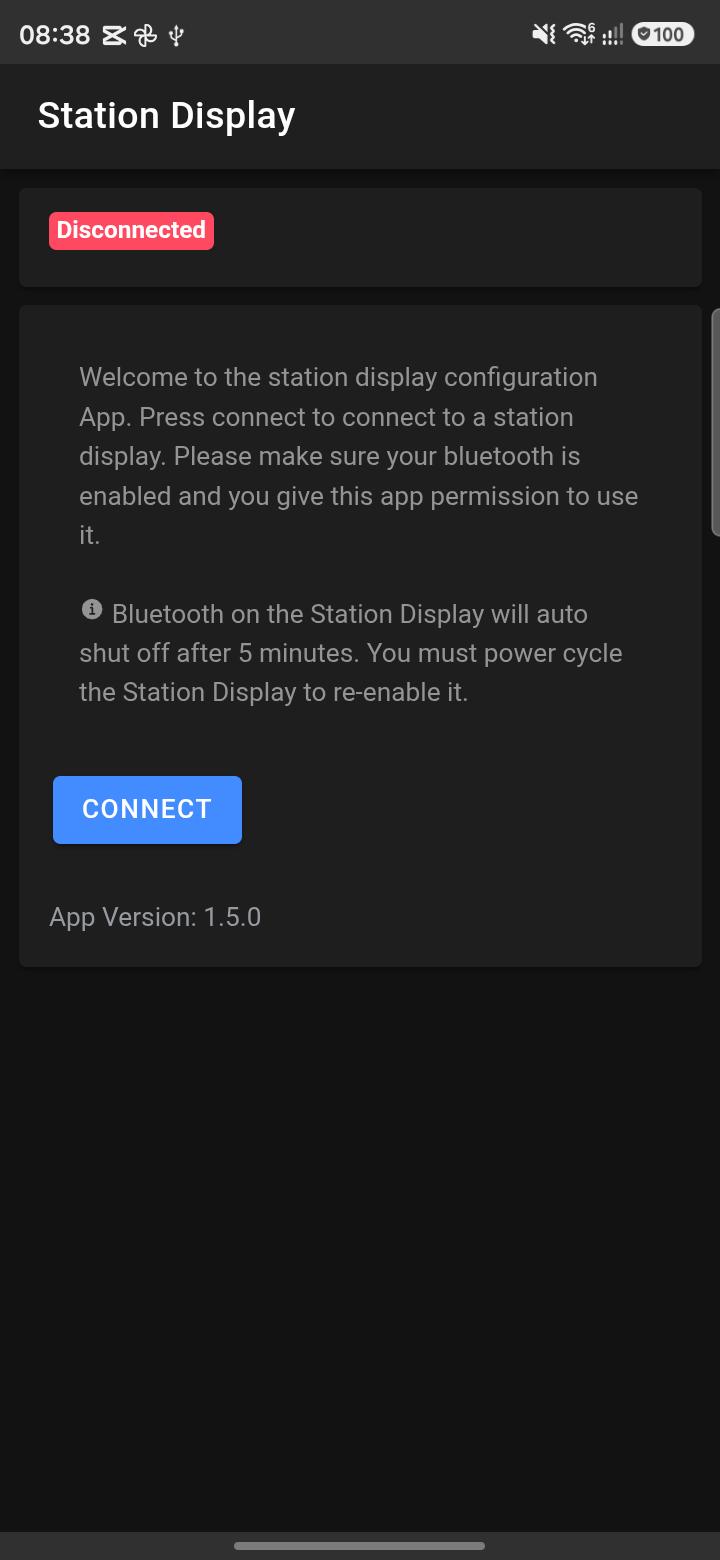
Station Display Configurator app welcome screen
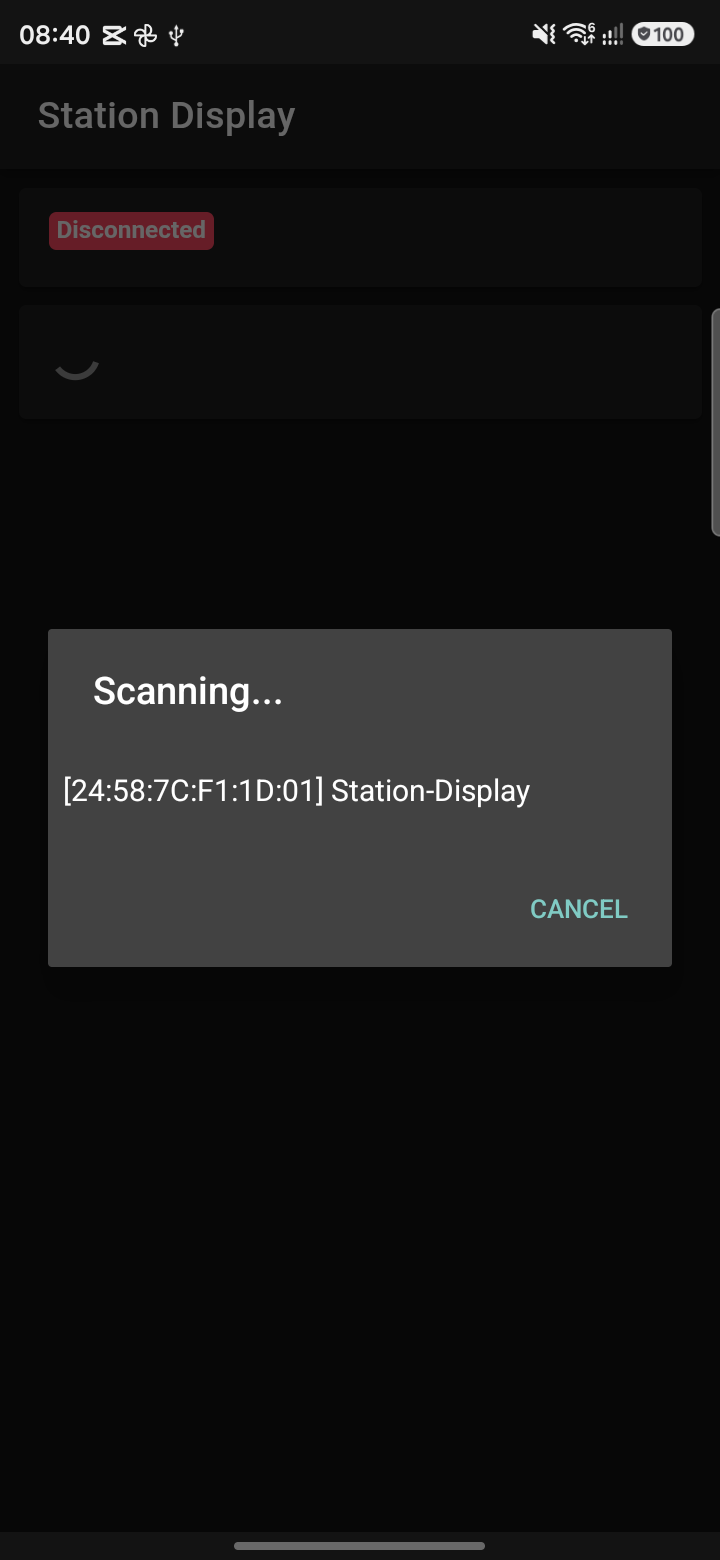
Home screen Connection selection
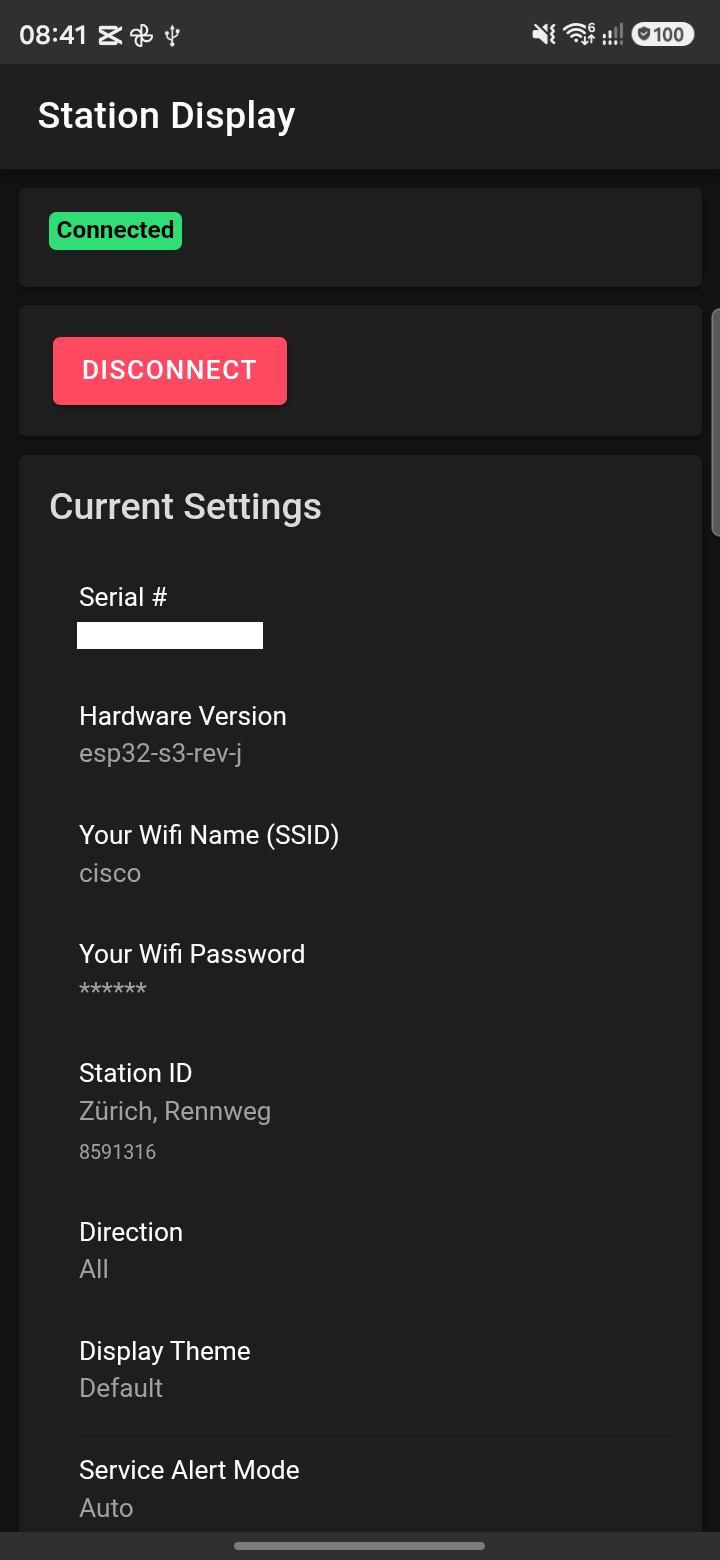
Home screen Connected
Disconnecting
Tap the red Disconnect button on the Home screen or navigate away. The app auto-detects disconnection.